Work Like It's 1995.
Or 1984. Or The Future.
10 pixel-perfect retro interfaces for the nostalgic at heart. From Windows 95's beveled buttons to the Matrix's digital rain.
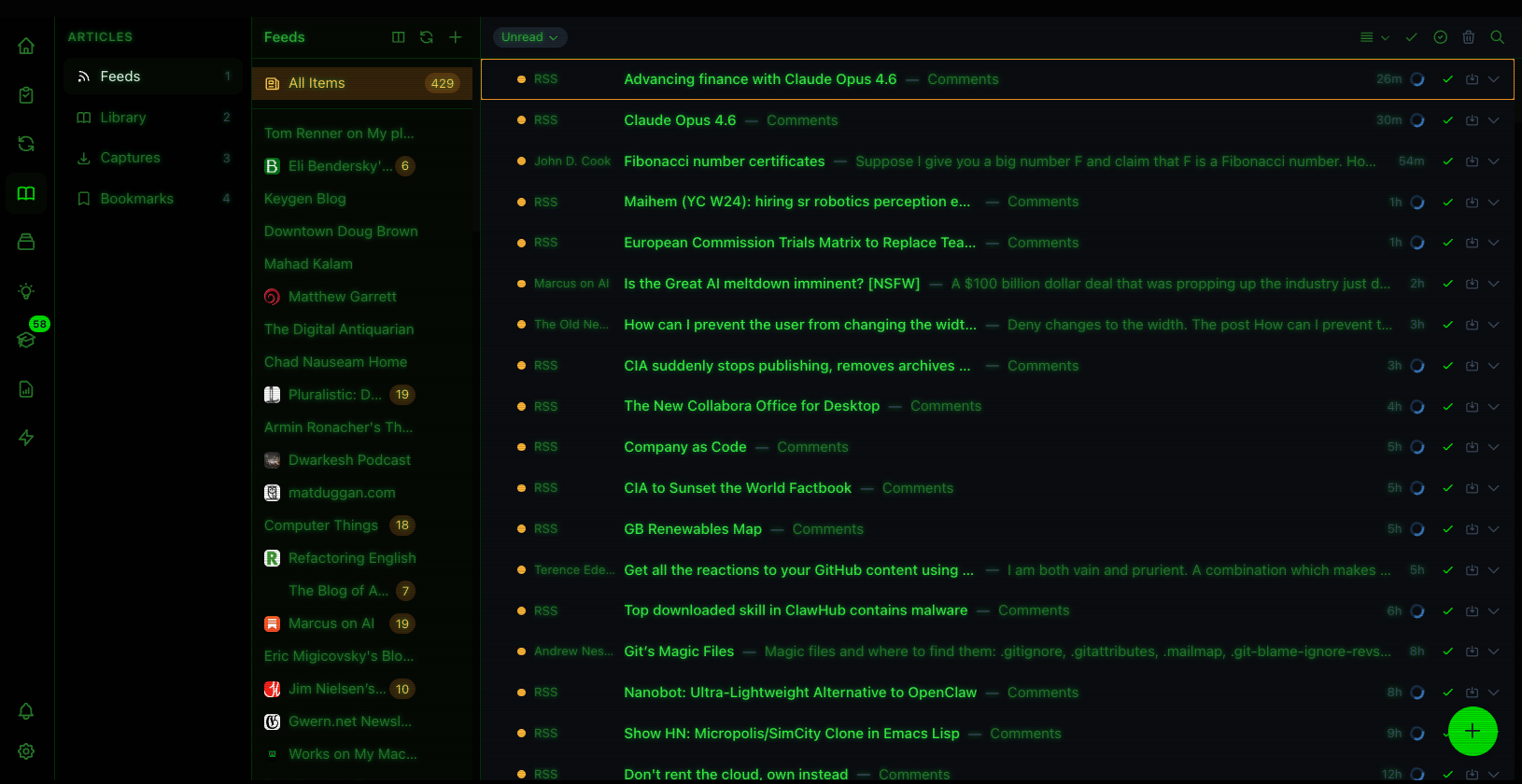
Terminal Theme
Classic Mac Theme
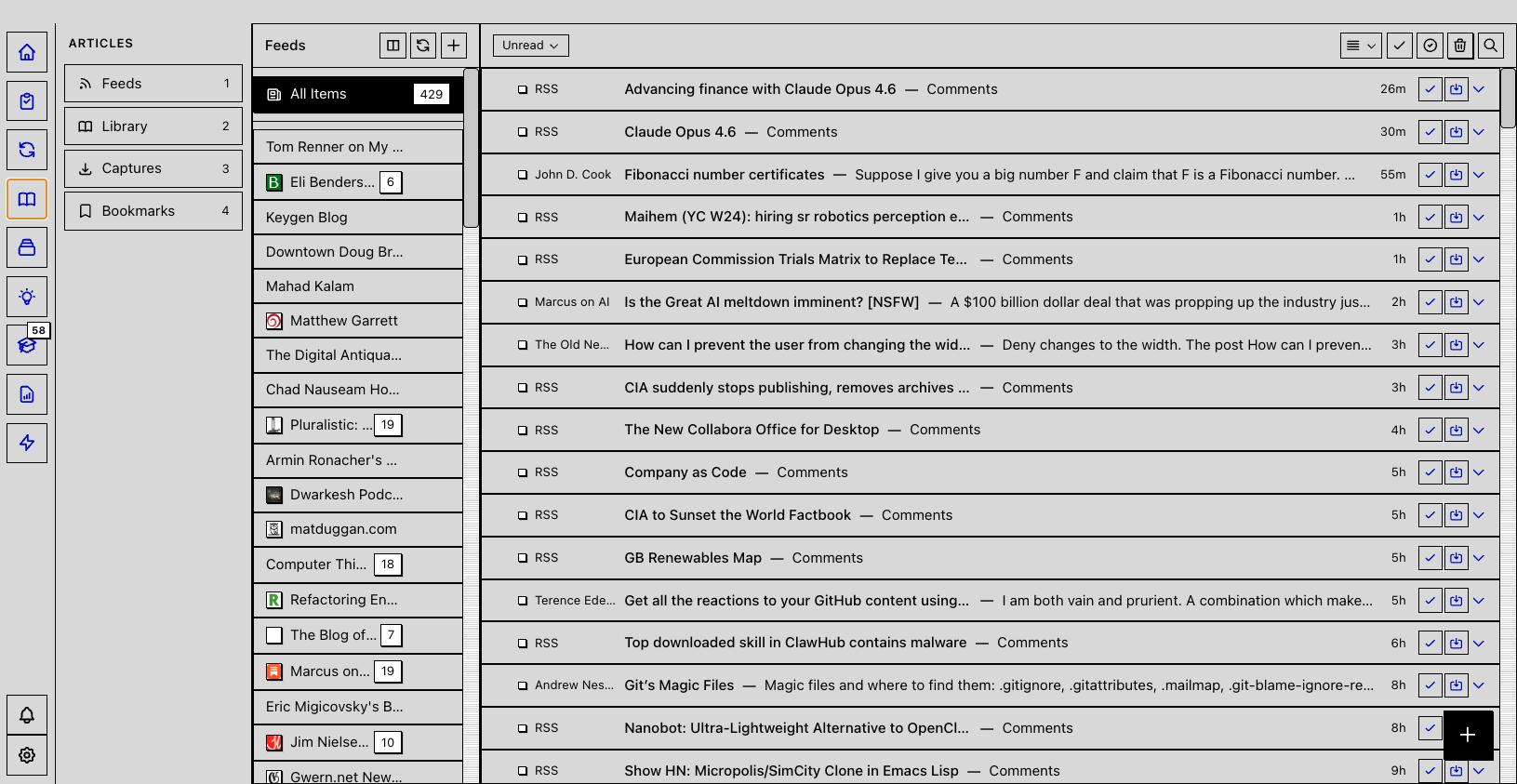
Classic Computing
Remember when buttons had depth and windows had borders? Four themes that bring back the golden age of desktop computing.
Windows 95
Remember when buttons had depth?
Silver UI, teal desktop, 3D beveled buttons. The one your IT department still remembers fondly.
Classic Mac
Think different, think 1984
Platinum gray, System 7 aesthetics, black borders. For when you miss the beige days.
Amiga Workbench
For the Commodore faithful
Orange and blue, Commodore Amiga style. Workbench 1.0 energy for the true believers.
DOS/CGA
640K ought to be enough
Cyan text on dark background. Classic DOS utilities look, back when real work happened in text mode.
Terminal/Hacker
For those who prefer their interfaces with a command prompt. Green phosphor, scanlines, and pure efficiency.
Terminal
Green phosphor, scanlines included
Classic CRT terminal aesthetic. All productivity, no GUI bloat.
Matrix
Free your mind
Digital rain aesthetic. See the code behind reality.
PC Tools
F1 for Help
Cyan Norton Commander vibes. When dual-pane file managers ruled the world.
Cyberpunk/Sci-Fi
The future is here, and it's neon. Two themes for those who dream in electric blue and burnt orange.
Tron
Fighting for the users
Neon cyan, light cycle vibes. Enter the Grid.
Blade Runner
More human than human
Orange and dark, dystopian future. I've seen things you people wouldn't believe.
Gaming
Four shades of green. That's all you need for nostalgia.
Game Boy
Now you're playing with power
Green LCD palette, 4-shade nostalgia. The original mobile productivity device.
How to Switch Themes
Changing themes is instant. No restart required.
Or use Cmd+K and type "theme"
Themes Are Just the Beginning
Metis is a complete productivity suite. Tasks, notes, RSS, flashcards, and AI workflows - all in one app.