Save Now.
Read Better Later.
Found something worth reading? Save it to your Library with full content extraction. Highlight, annotate, and turn insights into flashcards.
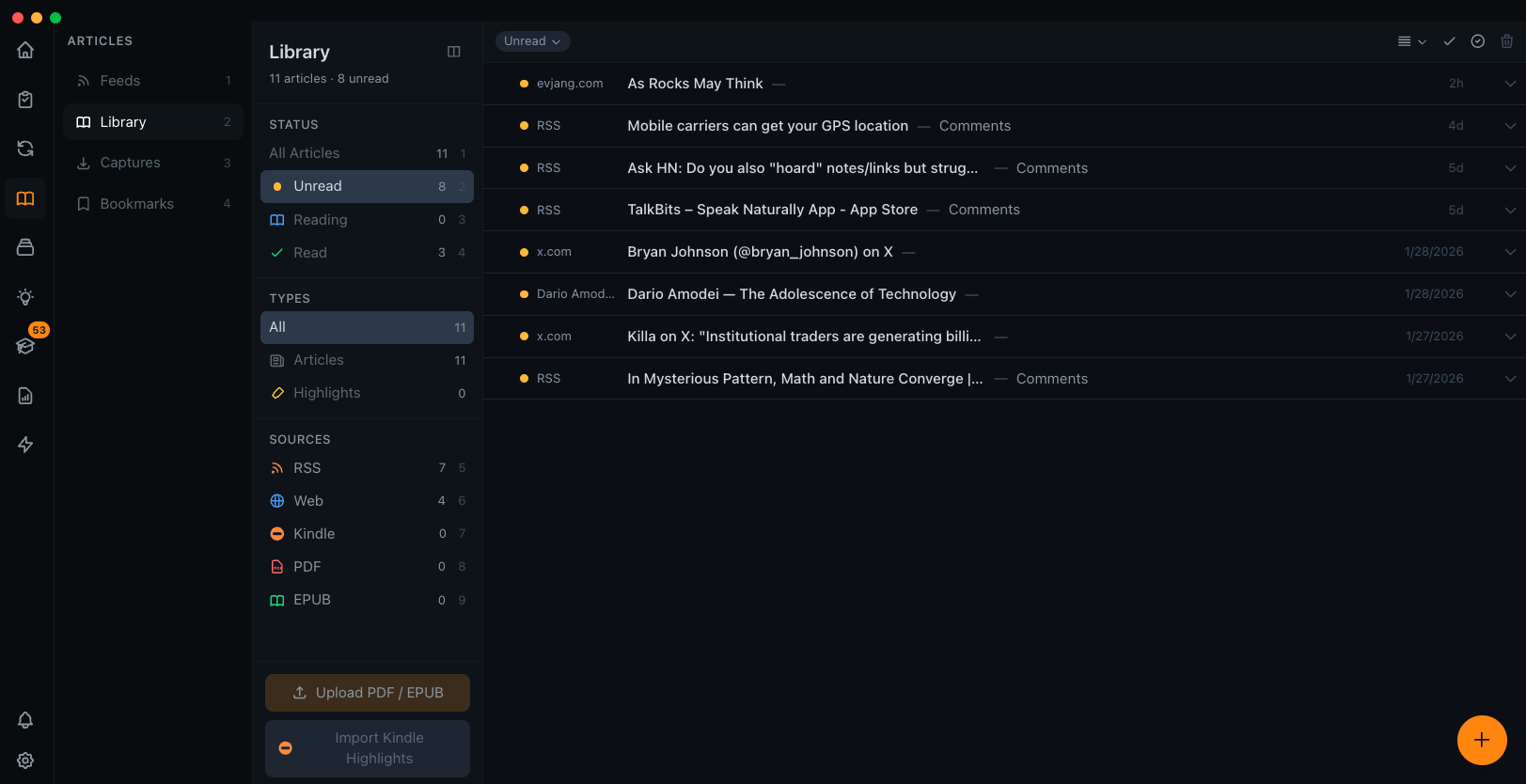
Four Ways to Capture
Different content needs different treatment. Choose the right capture method for what you're saving.
Library
Full articles with reading progress, highlights, and annotations.
- • Progress tracking
- • Color-coded highlights
- • Create flashcards
Web Captures
Full page saves including images. Content preserved exactly.
- • Full HTML capture
- • Images preserved
- • Works offline
Bookmarks
Lightweight links for quick reference. Just URL and metadata.
- • Fast to save
- • Minimal storage
- • Quick access
From RSS
Save RSS items to Library for deep reading later.
- • One-click save
- • Fetch full content
- • AI processing
A Better Reading Experience
Highlights
Color-coded highlights (yellow, green, blue, pink). Select text and pick a color. All highlights are searchable.
Bionic Reading
Toggle bionic mode to bold the first few letters of each word. Read 2-3x faster.
RSVP Mode
One word at a time, 100-1000 WPM. Maximum focus for speed reading sessions.
Capture From Anywhere
The Metis browser extension lets you save any webpage with one click. Choose between full capture, library save, or quick bookmark.
- Right-click context menu
- Keyboard shortcut capture
- Auto-extract article content
- Syncs instantly to app
From Reading to Learning
What you read connects to flashcards, notes, and AI processing